Plan your rack before you build it.

Rackline is a free rack planner that runs in your browser. Place your gear, wire it up and check that it all fits, whether it's a home lab, a studio, a gaming setup or a touring rig.

No account, nothing to install. Works on your phone too.

Space used
0 of 12U
Weight
0 kg
Power draw
0 W

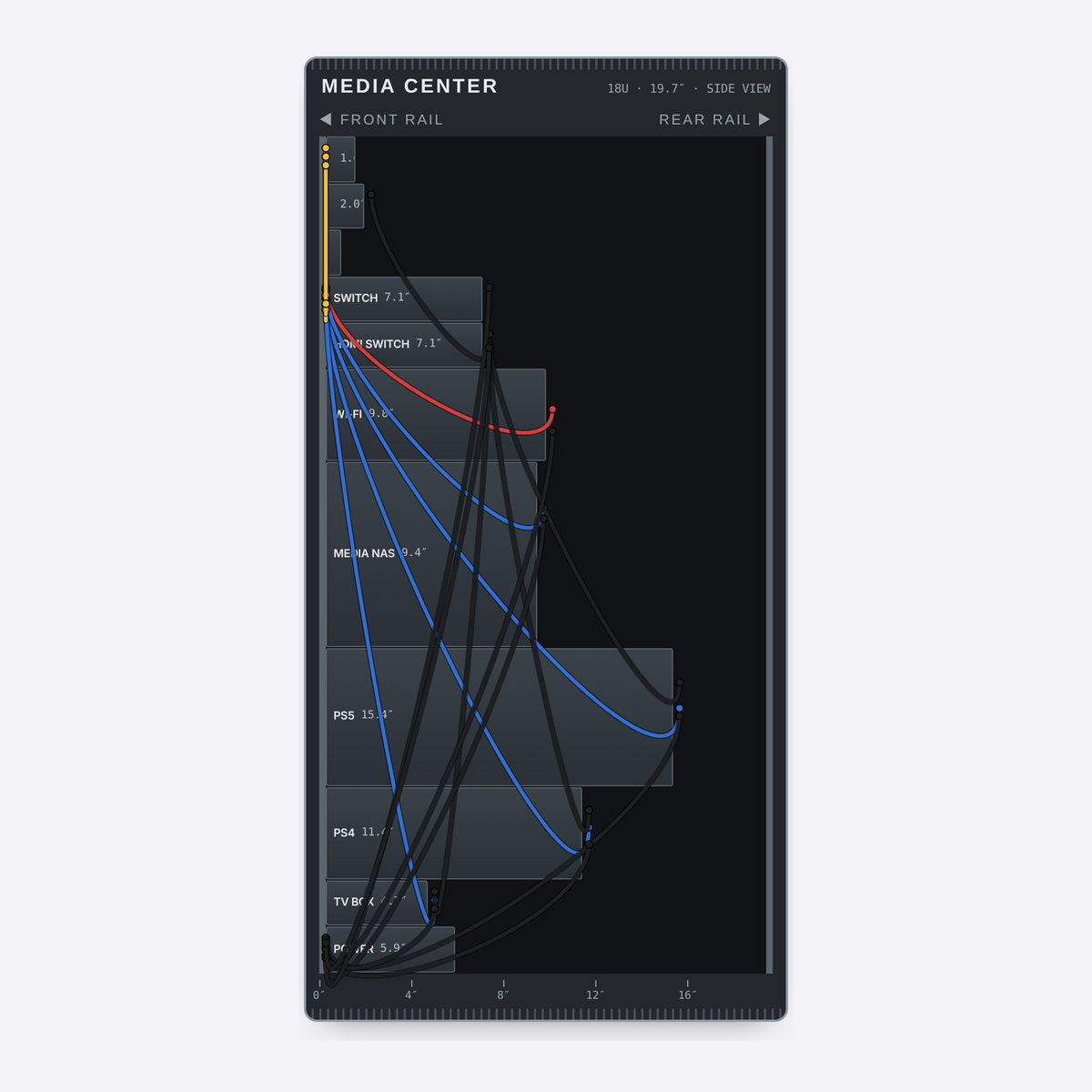
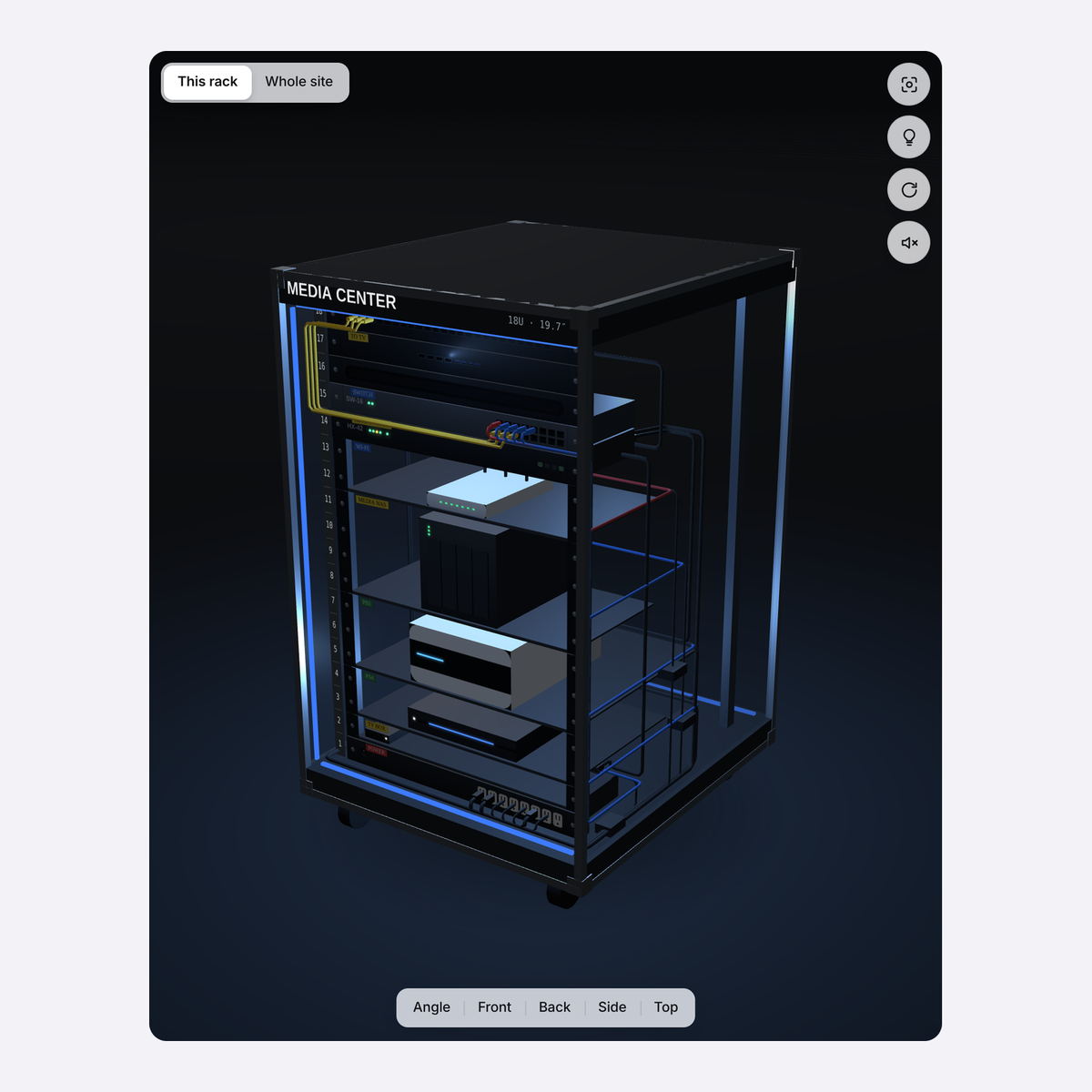
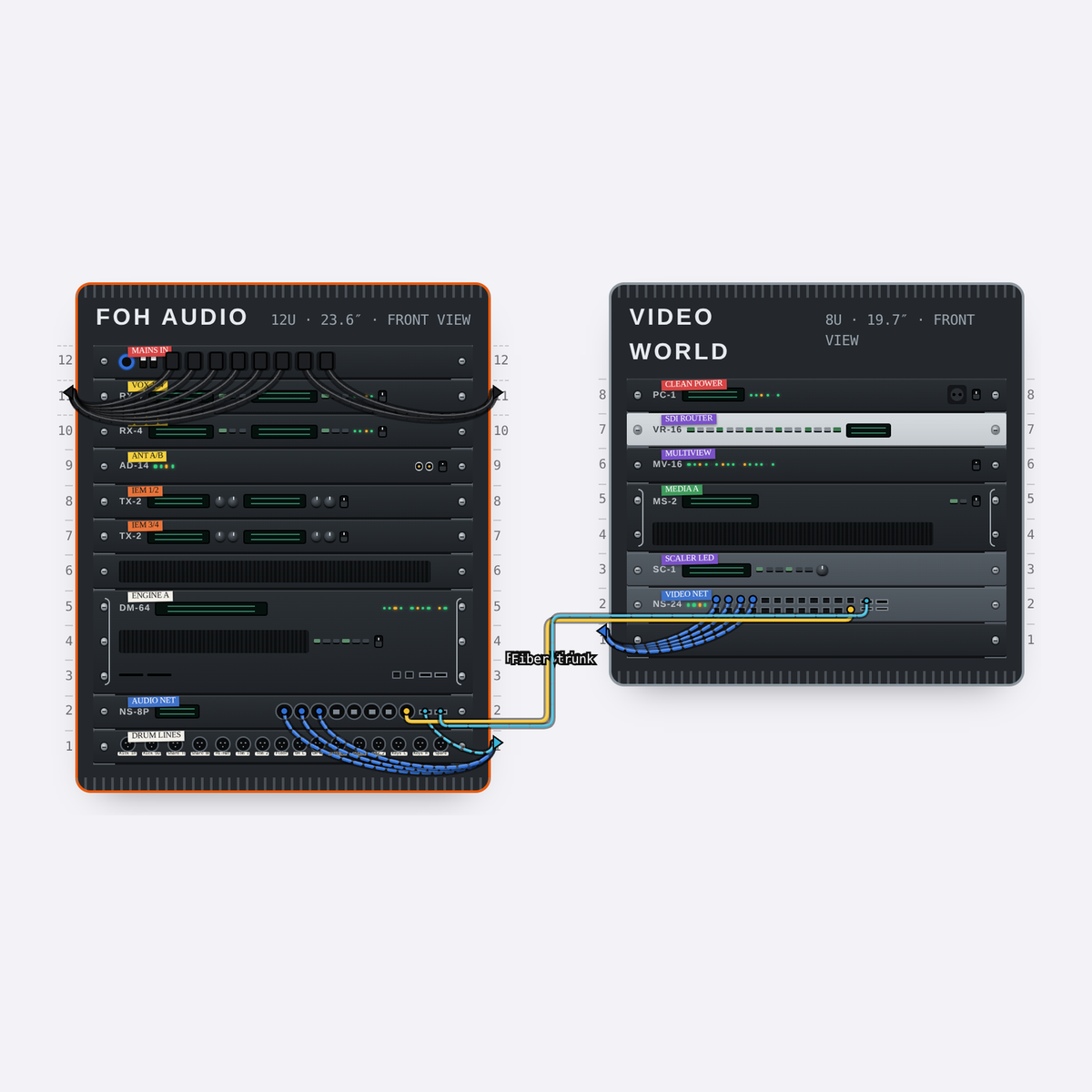
Every side of the rack

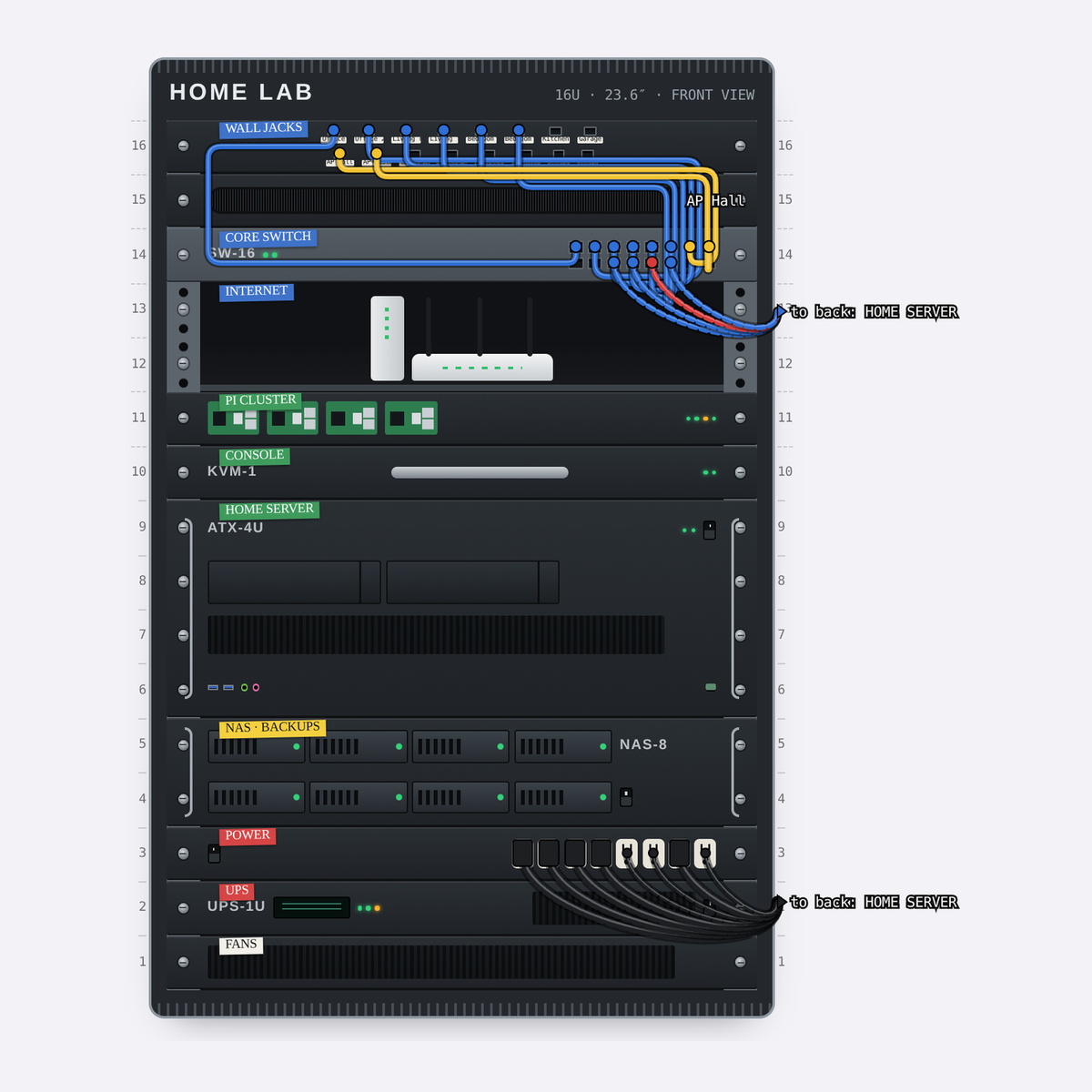
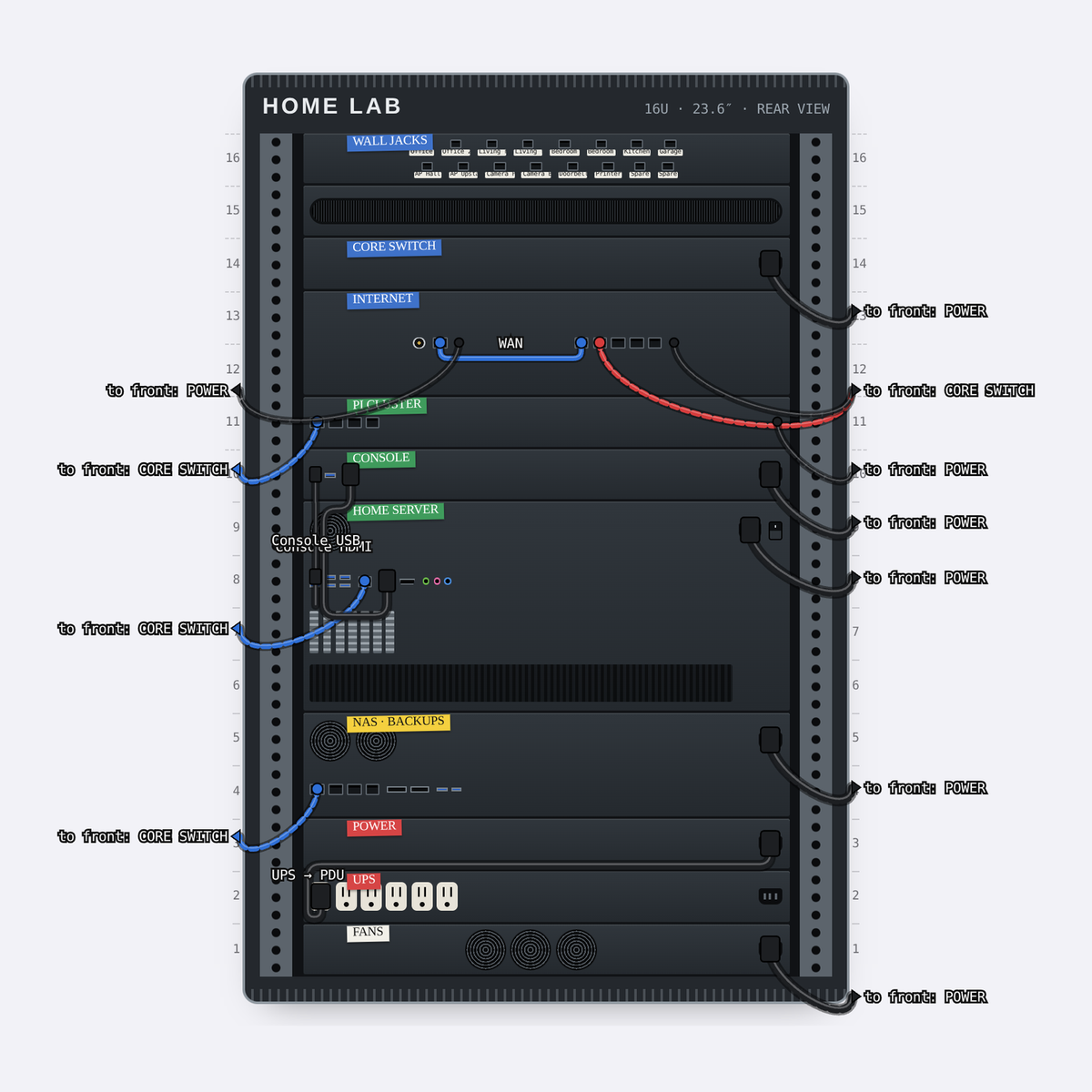
Switch views at any time. Each one shows you something the others can't.

Front view of a 16U home lab rack with labelled devices and patch cables Rear view of the same rack, showing back panels and power cables Side view of a media rack, showing how deep each device sits 3D view of a media rack with the room dimmed and a blue LED strip Site view with two touring racks linked by network and fiber cables

Place it. Wire it. Check it.

Place

Pick from 184 devices in nine categories, from audio and lighting to servers, NAS boxes, Wi-Fi routers and game consoles. Missing something? Make your own, with its own ports on the front and back.

Arrange snaps gear into free slots. Free move puts it at any height, even between units.
Wire

Drag from one port to another. Network, HDMI, power, USB, fiber, coax, audio and speaker cables each have their own look.

Rackline warns you when the two ends don't match, and Auto manage routes every cable neatly through the side channels.

Check

Space, weight, power draw and current add up as you build, in metric or US units.

The report lists every device, port and cable, with a suggested length for each cable, ready to copy.

Start from a template

Seven ready-made racks to learn from or build on. Or start with a blank rack of any height.

  1. 1

    Pick a template or a blank rack.

  2. 2

    Add devices from the library.

  3. 3

    Switch to Wire and drag cables between ports.

  4. 4

    Check the totals and copy the report.

On your phone, in English or Arabic

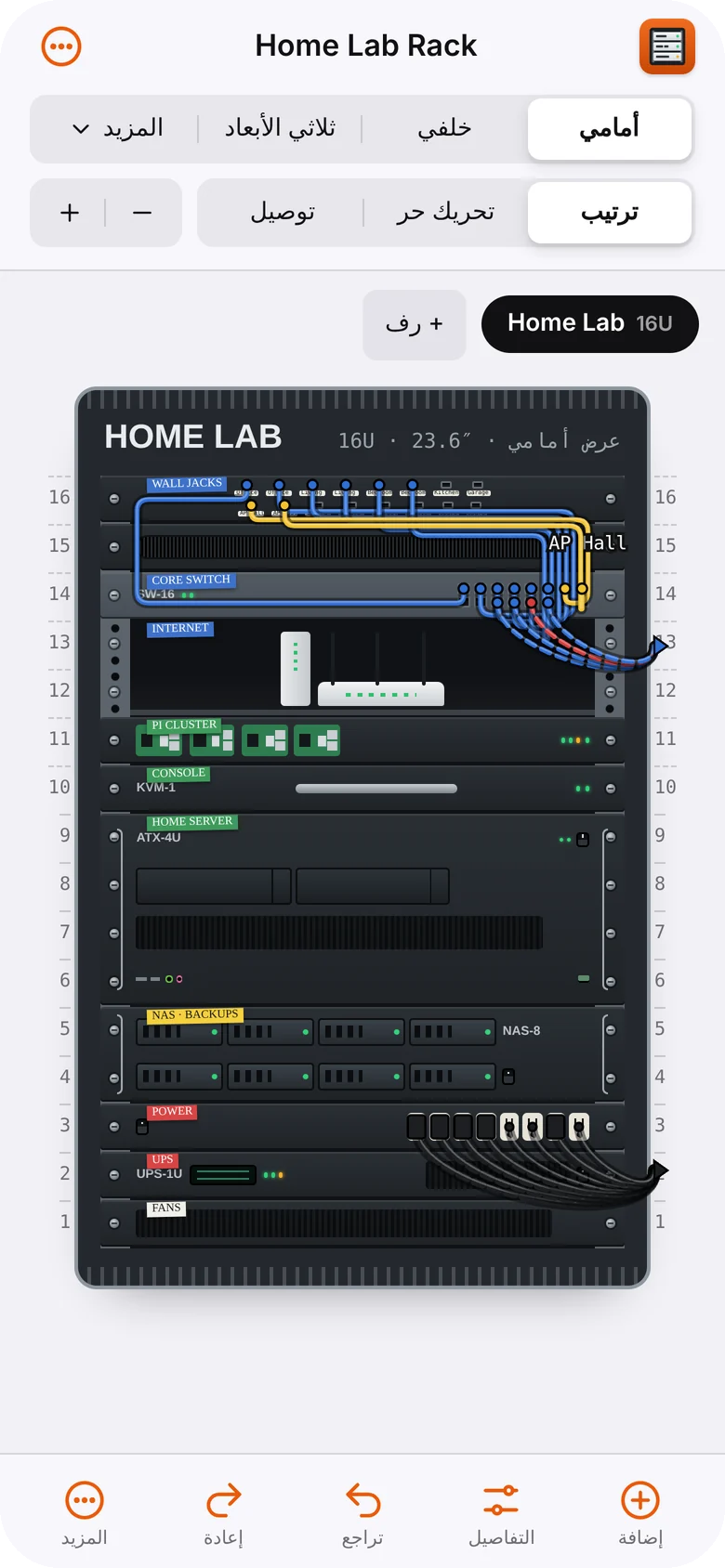
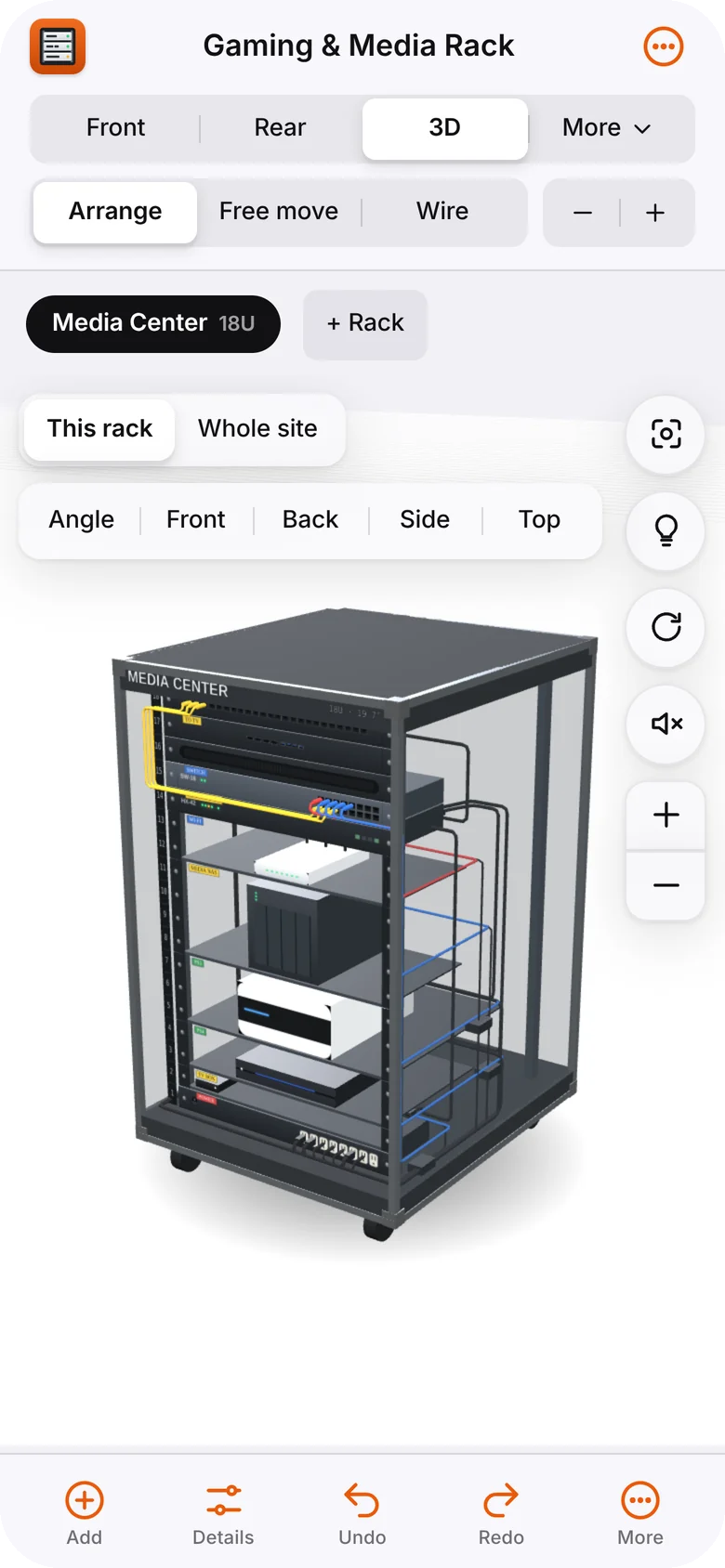
The phone layout has a bottom toolbar, slide-up sheets and touch-and-hold to drag, so you can plan at the rack itself.

Switch to Arabic and the whole interface reads right to left, while the racks stay left to right, like the real hardware.

Rackline on a phone, showing a media rack in the 3D view Rackline on a phone in Arabic, showing the home lab rack

Free and open source

Rackline is MIT licensed. There's no account and no server: your projects are saved in your browser, and you can back them up as a file any time.

New devices, translations and fixes are all welcome.